Online Teaching: A Master Class Course for Teachers
Online Teaching: A Master Class Course for Teachers

About Course
E-Training Master Class: A Digital Course for Teachers
The Master Class Course is for the teachers who are not aware of the latest teaching tools and technologies. This course includes the working and implementation of teaching tools in online teaching. After all digitally sound teachers can assess the students learning outcome online.
Thank you for reading this post, don't forget to subscribe!In the present time technology is used to create and spread the information. The one who creates the product prefers to disseminate the related information on social media. Because Facebook, WhatsApp, YouTube, Linkedin, Twitter, Reddit, etc., are very well connected with the society. Easiness and the approachability of these applications made them so useful in the daily life of all individuals, irrespective of the age.
So social media is also a tool for the dissemination of the digital content to the target audience.
If you want to teach online you will require social media tools, like YouTube Channel, Facebook page, Instagram, Twitter, and Reddit like social accounts. In this course, I will share my experiences, the possibility of mistakes, the right teaching tools, website development, and related technology.
YouTube Channel:
In this section, you will learn about the youtube channel. How to create a YouTube channel, upload the videos, tags, thumbnail, and other related settings. How one can share the content through YouTube and teach live by using the OBS Studio. It will include;
- How to select your YouTube channel name
- Artwork tools for channel
- Social and website links
- Title of the video
- What you can include in the description
- How to design attractive thumbnail and why?
- Why tags and which tags?
- Importance of Playlist, cards, and end screen
- License type and category of the videos
- Comments and rating controls
- Settings/analytics/and many more things about copyright, etc.
OBS Studio for Master Class
Open Broadcaster Software studio helps us for screen recording of the PC/Laptop monitor and live streaming on different social media platforms. If you want to teach live on YouTube, Facebook, Twitter, and or on any other social channel, OBS is the right choice. In this section, you will learn
- about the settings
- How to present PPT
- Webcam and mic settings
- Text on the screen and scrolling
- Images
- Media
- Browser
- Live YouTube Chat display and
- Green Screen effect
Pen Tablet
You may have seen many times on YouTube videos that the instructor writes on a black screen with different colors (Khan Academy). How it is possible? You will see in this section about different pen tablets and related writing software that will help you to create perfect online lectures. Yes, it will include;
- Types of pen tablet (graphics tablet)
- best graphics tablet for teaching
- Online whiteboards
- OneNote
- Classpad
- Classroom Presenter
Screen Recorder
There are many screen recorders are available in the market, each one has their own importance and limitations. The free version of these screen recorders includes the logo on the finally produced video. Which screen recorder is best for your work?
Video Editor
To create the digital content not only screen recorder is enough you have to use the video editor too. OBS is not supposed to be for a video editor, it just captures the screen. The video editing itself is a course, here I will share with you how you can use different video editors for your purpose and which one will be suitable for your work.
Teaching Tools
You will require some teaching tools for online teaching purposes. Mainly are listed here;
- Laptop Or Desktop Computer
- Webcam
- Microphone
- Pen Tablet
- Writing Software
- Screen recorder and Video editor
- Green Screen technology
Additional
- Edmodo
- BitPaper
- Pollseverywhere
- Socrative
- Personal blog or website (on Blogger or WordPress)
- Assessment tools
- H5P
Learner’s Assessment
- Quiz (Online-Offline)
- Assignment (step checks)
- Problem based learning
- Video output
- Forum
- Reflection spots in videos
- Collaborative learning
Course Preparation
- CMS
- LMS
- Course Design
- Video output
- Forum
- Scientific/Virtual Labs
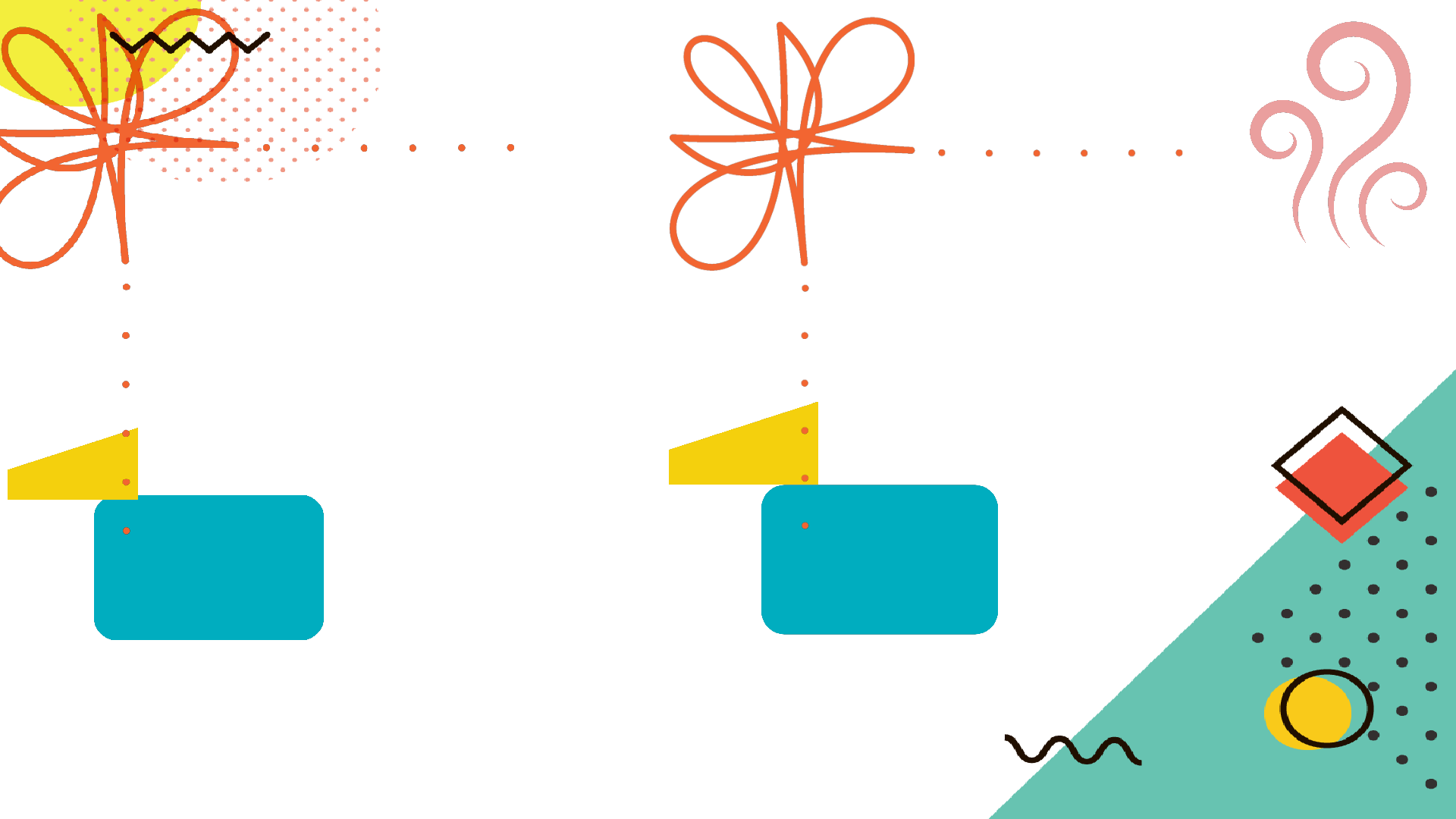
FREE TWO IMAGES FOR OBS STUDIO
I have given the link of two images that will open through my blogger links, you can save any image. Then fix that image in the OBS through the source. In the source click the + button select the image, click here and find the relevant image from the place you had saved it.
In the first box you can fix your camera and in second your whiteboard.

Course Content
Teaching Tools
How to Make Video Tutorials?
Before Video Recording
YouTube Channel
OBS Studio
Edmodo Virtual Class
Pen Tablet
Screenrecorder
Creating the First Video Lecture: Find Supporting Tools
Student Ratings & Reviews